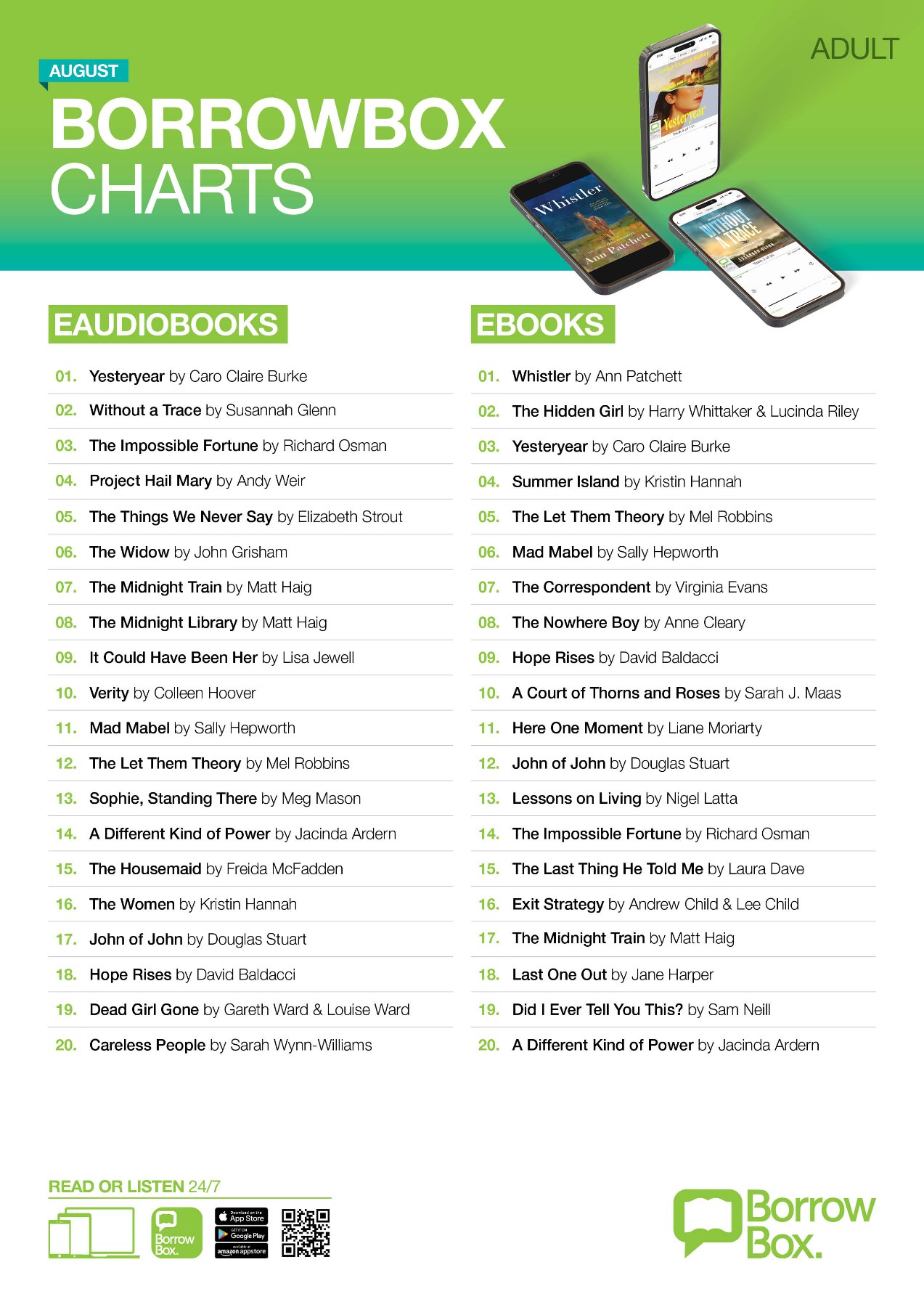
eBooks and eAudiobooks are available via the BorrowBox app.
Browse BorrowBox online
Sign in with your Library card number and PIN/PASSWORD.
The BorrowBox app is available from your device's app store. Once you have downloaded the app: -
- Open the app and find your library service (Hurunui District Library)
- When prompted, sign in with your Library card number and PIN/PASSWORD.
- Select Agree to Terms and Conditions
- Allow/Don't Allow Notifications (select your preference)
- Enter your email address then Continue
- Browse collection and borrow a title
- Borrowed titles appear under Home. Select your book and tap download. Once the book is downloaded it is ready to start reading